Manage profile, invoices and licenses
Goal and requirements
Manage the profile, invoices and licence scope for the correct organisation. You need a sales-portal account and, depending on the action, organisation, billing or administrator permission. Always check the product and effective date before confirming payment or licence actions.
Changes to licenses, billing and payment methods may change costs or the available functionality. Therefore, before confirming, always check organization, product, runtime and summary.
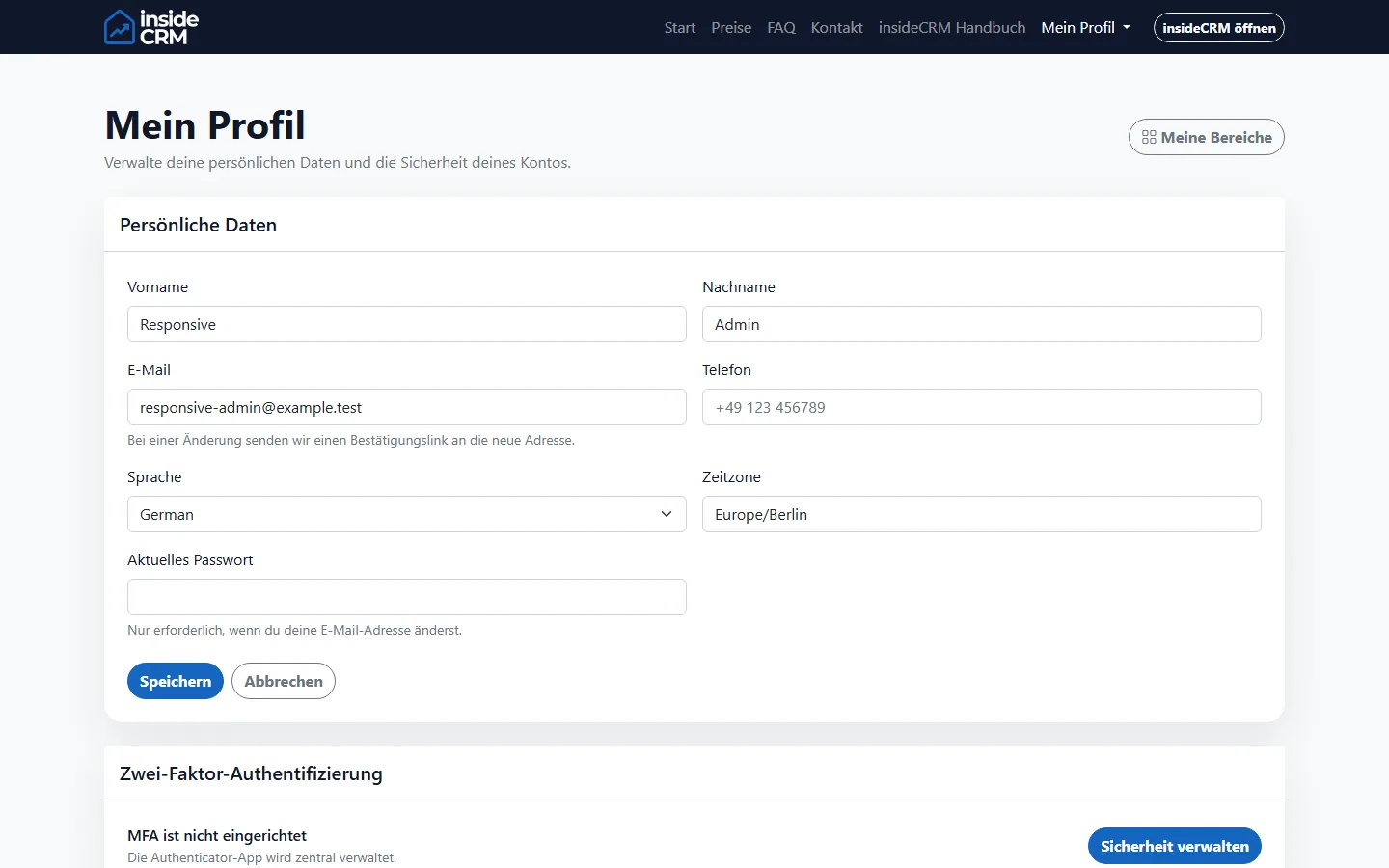
Manage profile
- Open in the sales portal Profil.
- Choose the right organization and check the assigned clients.
- Update personal or billing data only with reliable information.
- Confirm a still open email verification via the latest link.
Managing invoices
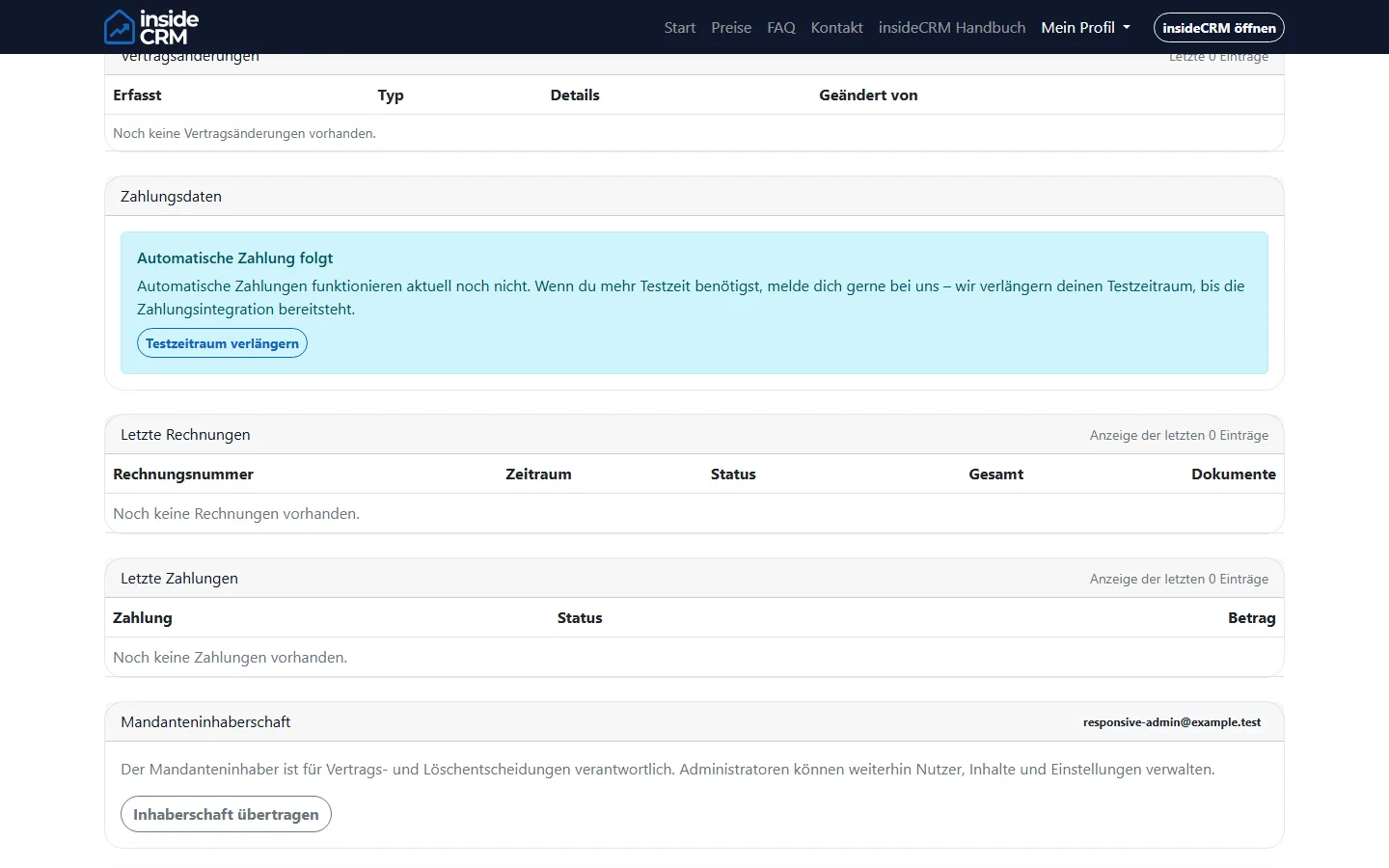
- Open the accounting overview of the right organization.
- Compare invoice number, period, amount and status.
- Download the PDF for visual document storage or the XML file for electronic processing.
- Use SendXML only for a previously verified recipient address.
Managing licenses
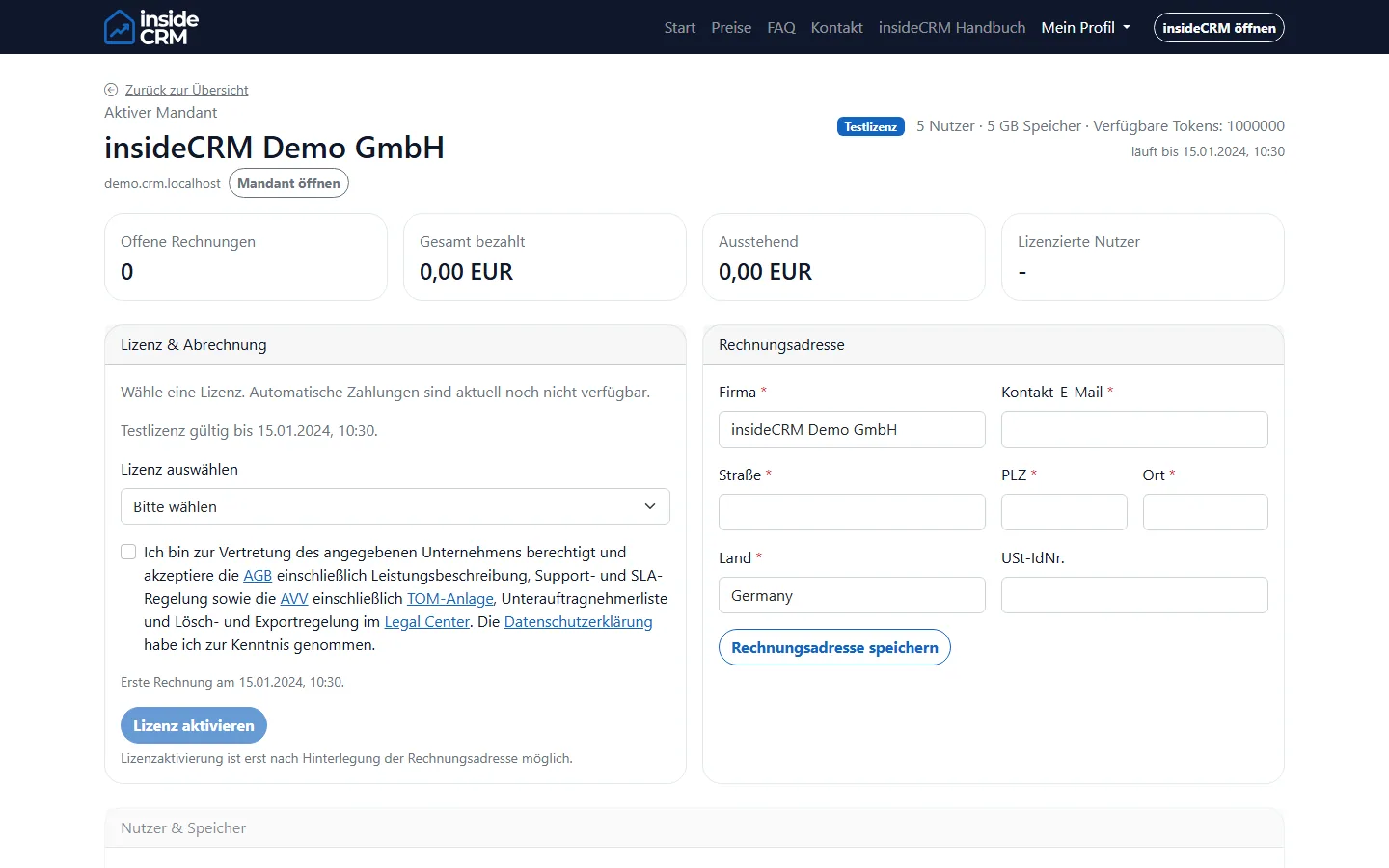
- Open the billing area of the affected product.
- Check current limits, occupied seats and booked add-ons.
- Choose the change and control price, time of effectiveness and possible restrictions.
- If necessary, set up the payment method via the protected payment page.
- Confirm only after the final summary. Terminations and reductions can only take effect on the designated date.
Result
Profile and billing data are updated, the required invoice formats are available and license changes are verifiably confirmed.
Troubleshooting
- Update the page after a return from the payment provider before confirming again.
- Check roles and organization if billing actions are missing.
- Report duplicate or unexpected charges to support with the organization, time, and transaction reference. Never provide complete payment details.