Exposé shares for prospective buyers
Goal and requirements
Prospects open the shared brochure and confirm only the required declarations. This requires the current guest link, a valid token and the consent or brokerage-agreement state belonging to the property.
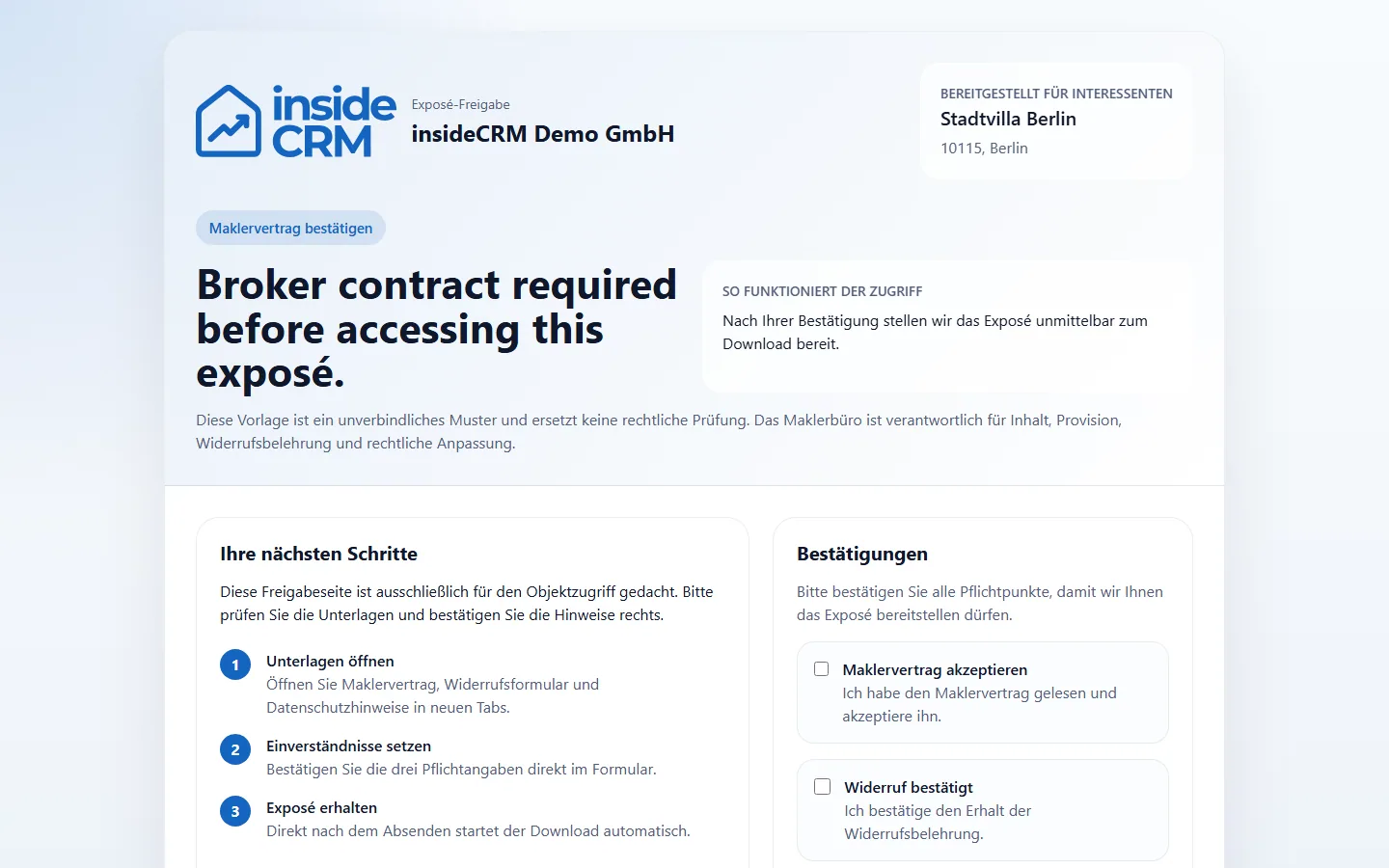
A release link is assigned to a specific exposé. Depending on the configuration, the interested party must confirm information or accept conditions before the download.
Open an exposé
- Open the full link of the broker.
- Check object name and sender.
- Enter the information requested by the access form and read the displayed terms.
- Confirm only if the information and purpose are correct.
- Download the released exposé and save it protected.
Result
The access is logged and the intended exposé is available. Other property data remains inaccessible.
Variations and special cases
The link can expire, be revoked or replaced after an update. An already saved document is not automatically updated.
Troubleshooting
Ask the responsible agent for a new share if the link has expired or is incomplete. Do not forward the full link to anyone who is not involved.