Manage insideCRM
The management dashboard requires management.read. User management requires users.manage; new or modified API keys and central settings require settings.manage.
Management Dashboard
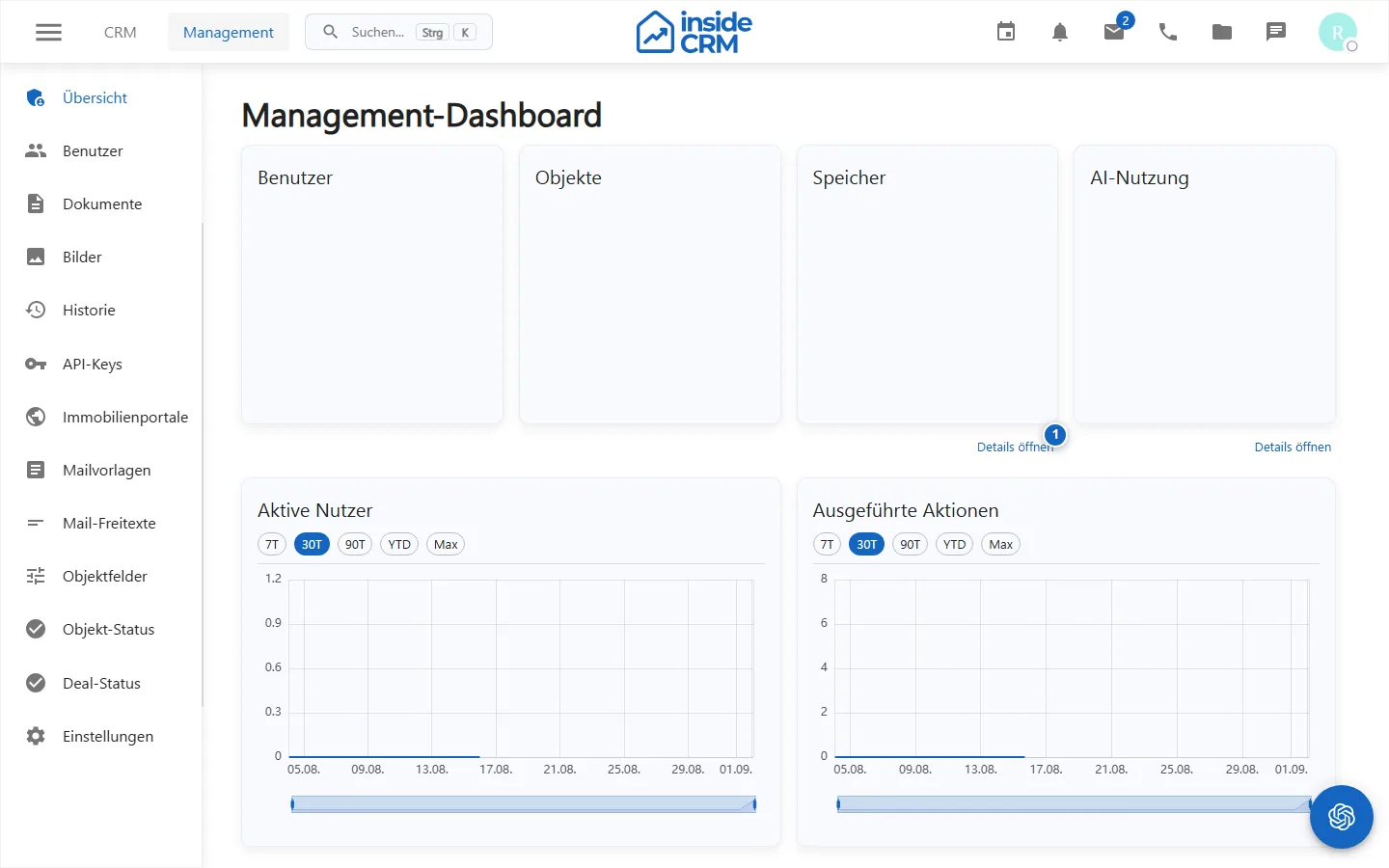
Depending on the license and data, the overview shows, among other things, active users, executed actions, storage assignment, license term and AI use. Detailed dialogs further break down memory and AI consumption.
Managing Users
- Open Management and Users.
- Create the person with their business identity or open an existing access.
- Assign only the required roles, permissions and workspace accesses.
- Save and test the scheduled workflow with the affected account.
- Remove accesses that are no longer needed in a timely manner when changing roles or leaving.
API Keys and Settings
API keys are treated like passwords: unique purpose, minimal rights, secure filing and regulated rotation. Central settings can influence navigation, processes and integrations. Therefore, document cause, responsible person and test result.
Purpose
The administration controls users, accesses, API keys and central settings of the CRM tenant.
Where to find it
Open Administration or Management.
Requirements and permissions
The overview requires management.read, user users.manage, changes to keys and settings settings.manage.
Step by step
Open administration
Check unlocked areas in the dashboard and only open the management needed for the job.
Manage users
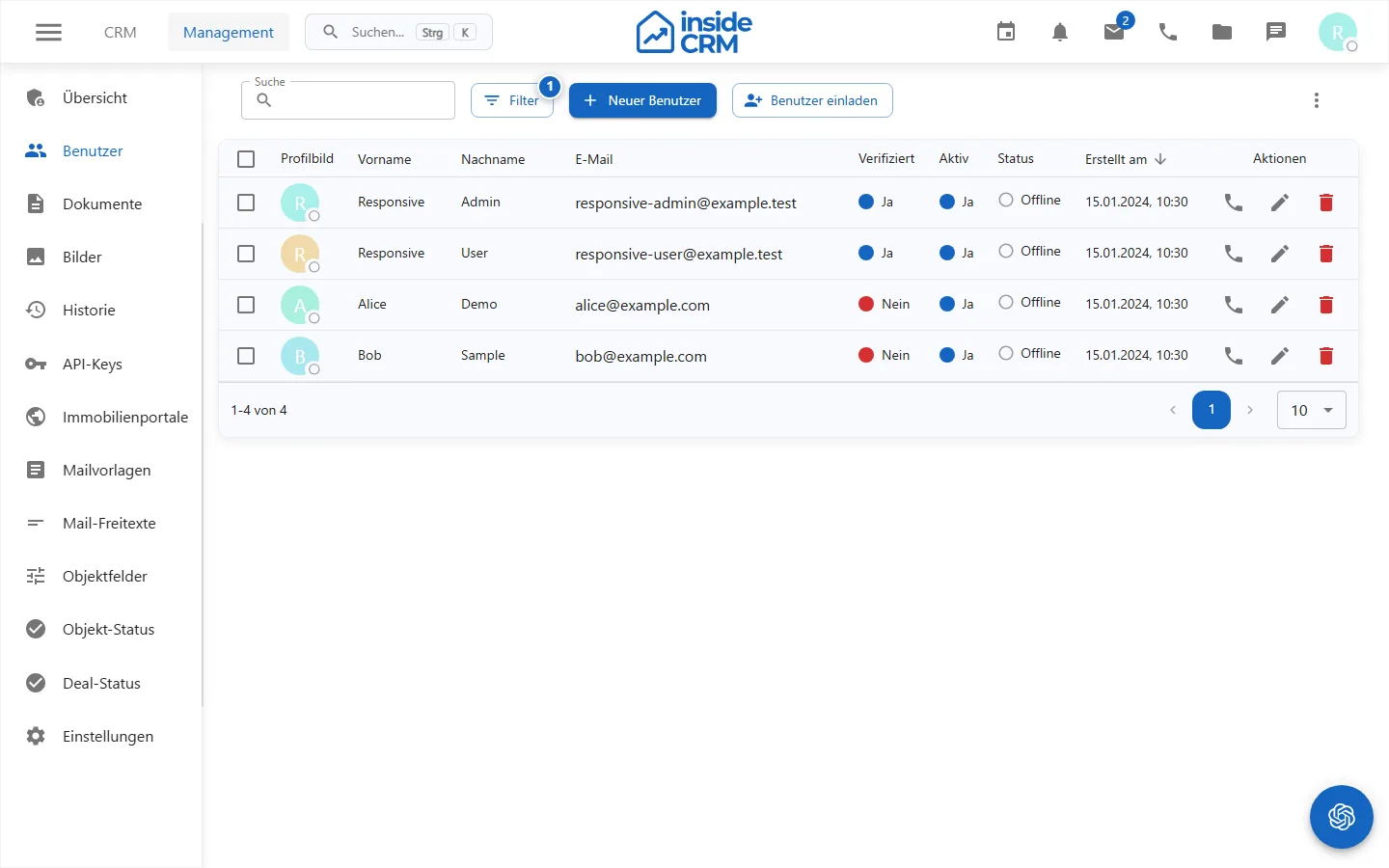
- Search existing users before the new plant.
- Maintain business identity, role and required workspace access.
- Save and test the scheduled process with a normal account.
Manage API keys
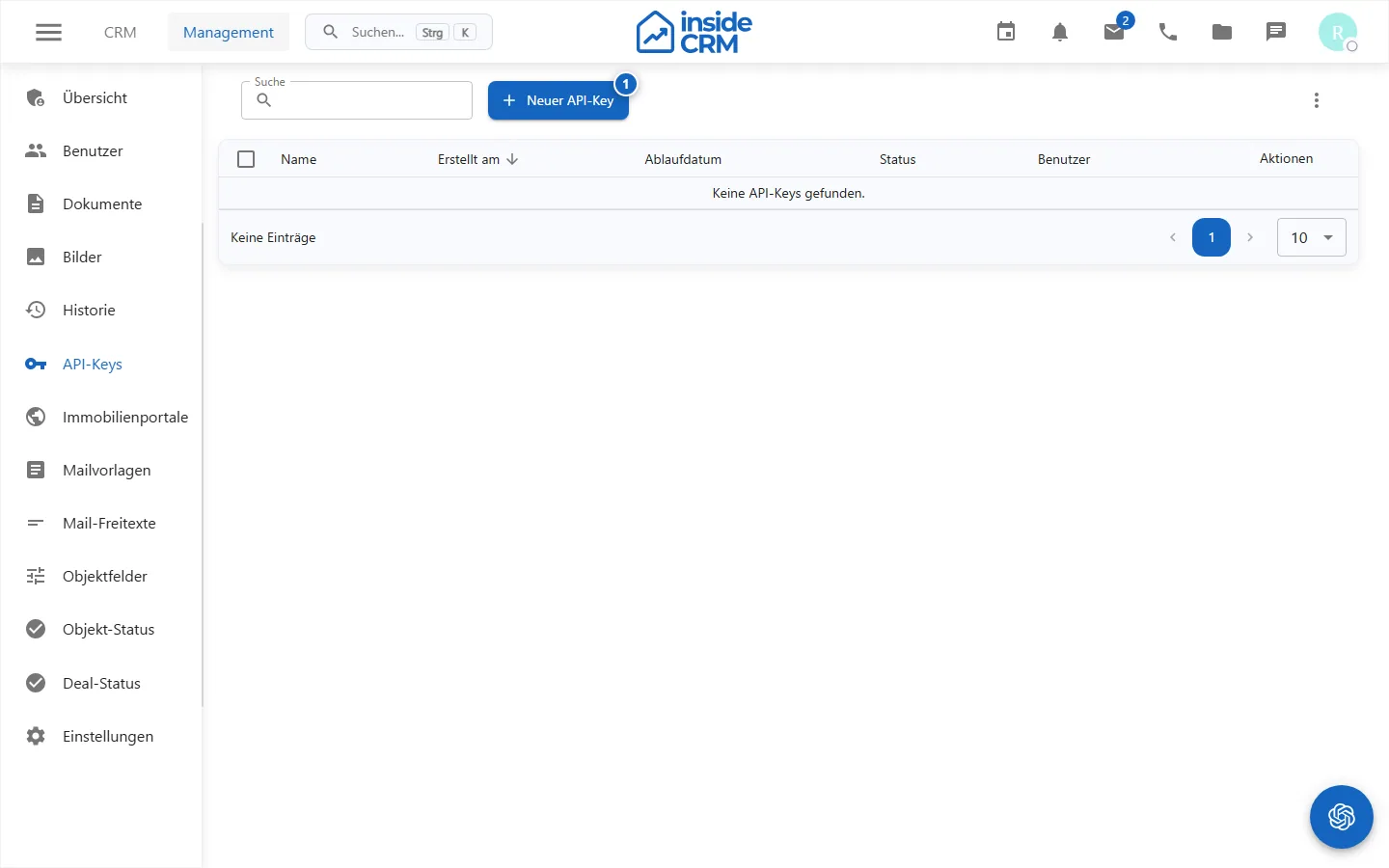
Create keys only with documented purpose and minimal rights, copy the secret once in the password safe and plan rotation and revocation.
Manage settings
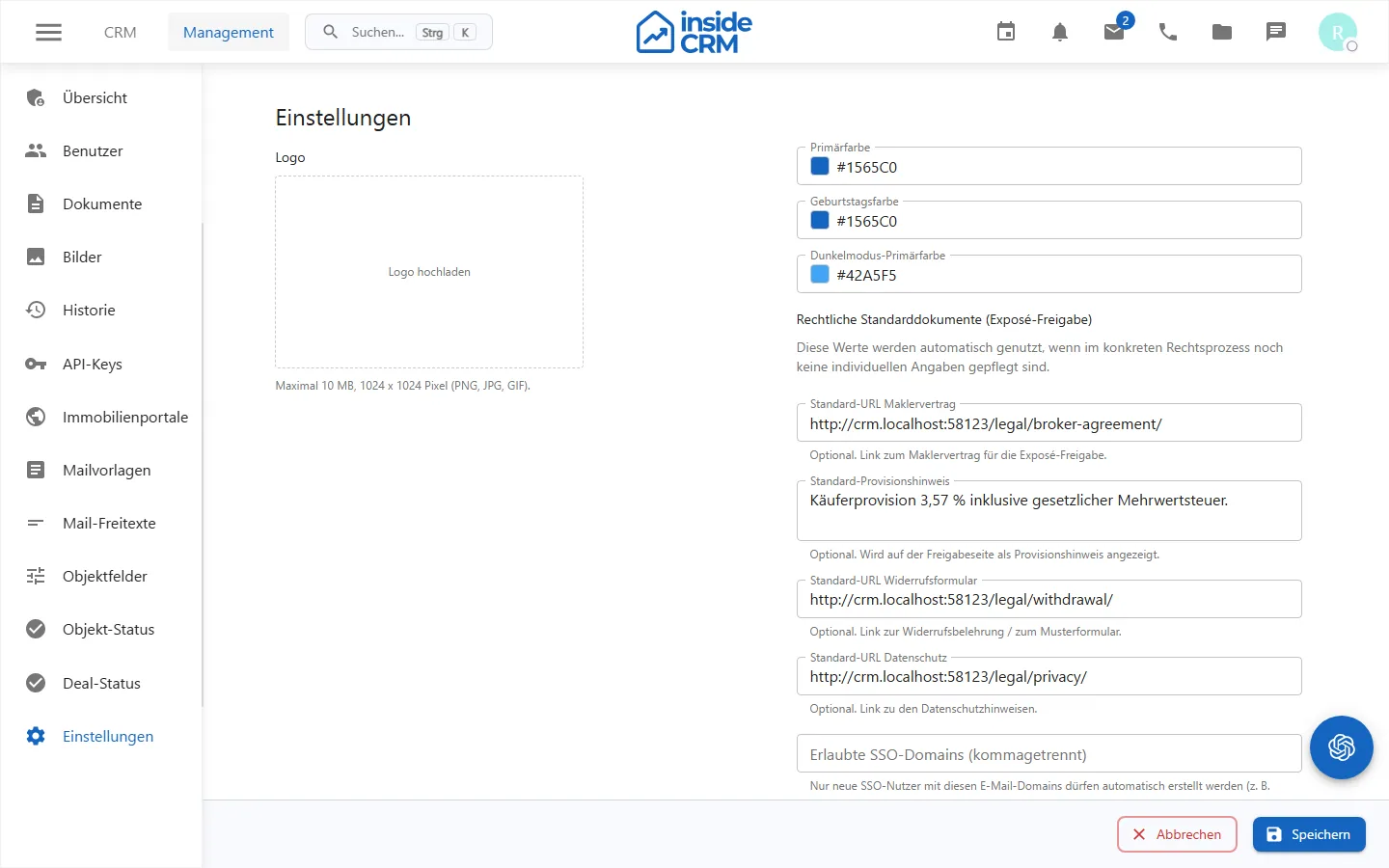
Change central values individually, document the occasion and then test navigation and affected processes with a normal role.
Result
Users and technical access have the intended minimum permissions. Central settings are documented and verified.
Variations and special cases
The last administrator shall be protected against the withdrawal of critical rights. API secrets are not documented again in plain text after creation.
Troubleshooting
Check your own administrative rights, tenant, role dependencies and field errors. Do not test an access change exclusively with the administering account.