Using AI as Controlled Support
AI functions help to find, understand and prepare actions. The module only appears when workspace.ai is active for the workspace. Professional accesses and changes are still subject to the permissions of the registered person.
Chat and Sources
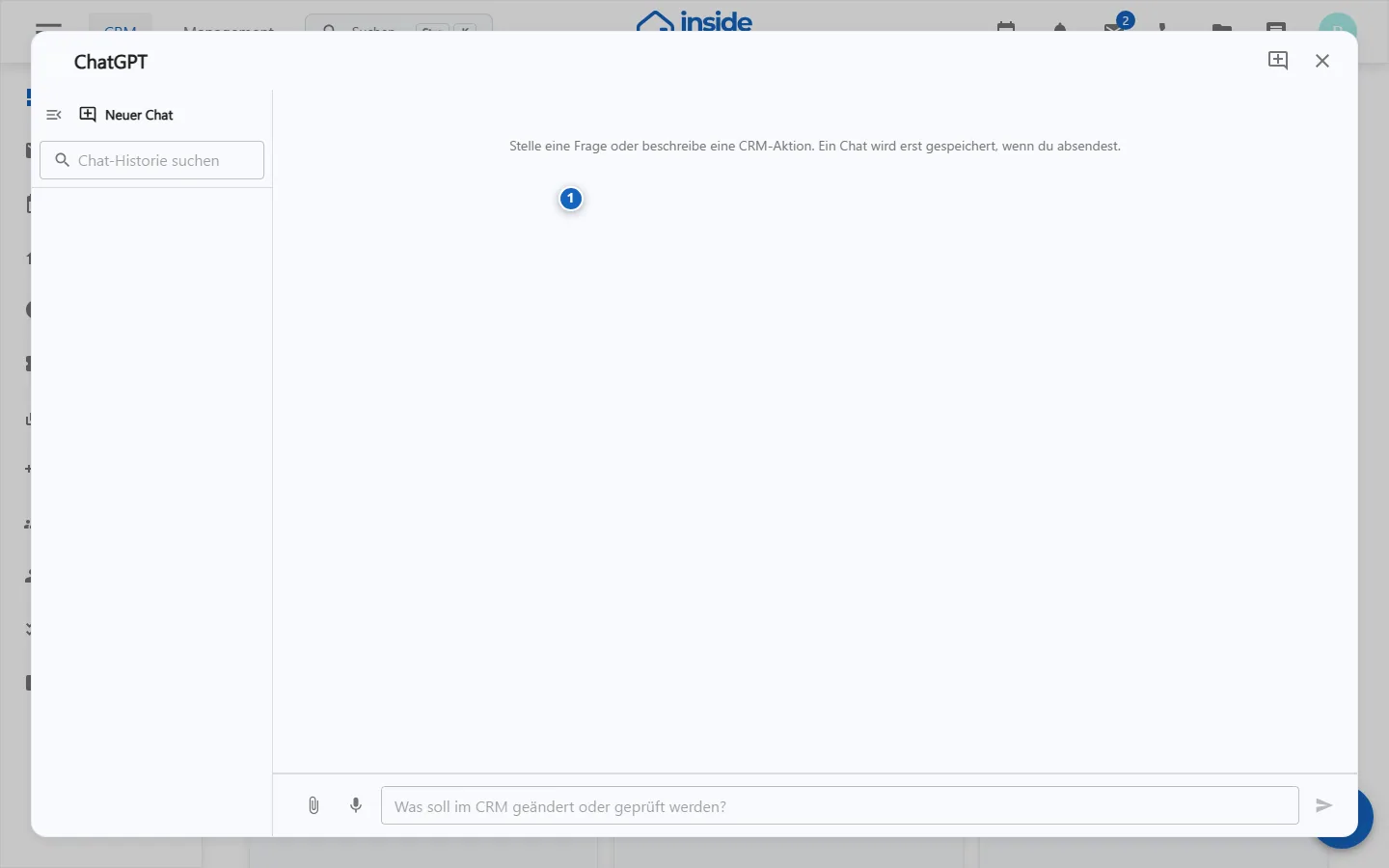
- Open the AI assistant.
- Formulate goal, professional context and desired output format.
- When answering, check the references displayed and open the underlying record.
- Take over facts only after comparison with the relevant source.
Conversations are organized as threads. An old chat may contain context that no longer applies to a new task, so start a new thread when the subject changes.
Proposals and actions
The AI can generate action suggestions or links for pre-filling a form. A proposal shows a summary, possible warnings and missing mandatory fields. Actions requiring confirmation remain blocked until the required information is available and you expressly confirm it.
Changed fields are highlighted when the AI pre-fills a form. Review sensitive fields such as contact details, date of birth, and notes individually. Pre-filling never saves automatically; review the entire form and save it manually.
Safe use
- Enter only data that is necessary for the business purpose and released for processing.
- Do not make any legal, financial or personal statements unchecked.
- Perform deletions, shipping, status changes, and mass actions only after preview and confirmation.
- Report incorrect source assignments or unexpected access to support.
Machine-readable wiki outputs
Purpose
The AI assistant supports research, summary and prepared actions without taking over the professional decision.
Where to find it
Open the AI assistant from the application or from a supported dataset context.
Requirements and permissions
The AI module shall be activated. Visible sources and proposed actions are limited to the rights of the registered person.
Step by step
- Formulate goal, context and desired result without unnecessary personal data.
- Check sources used and identifiable dataset references.
- Review suggestions for accuracy and correct any inaccurate content.
- Confirm a prepared action only after checking the target, recipient and changes.
Result
A reviewed response or action proposal is available. The current source data remains authoritative.
Variations and special cases
Sources may be incomplete or obsolete. Conflicts and irreversible actions require renewed confirmation in the technical context.
Troubleshooting
Clarify the task, check module access and source permissions, and report unexpected data visibility or incorrect assignments.