Convert lead
Purpose
Conversion generates a customer from a qualified lead and identifies the lead as converted. It can be executed for a single or several marked leads.
Where to find it
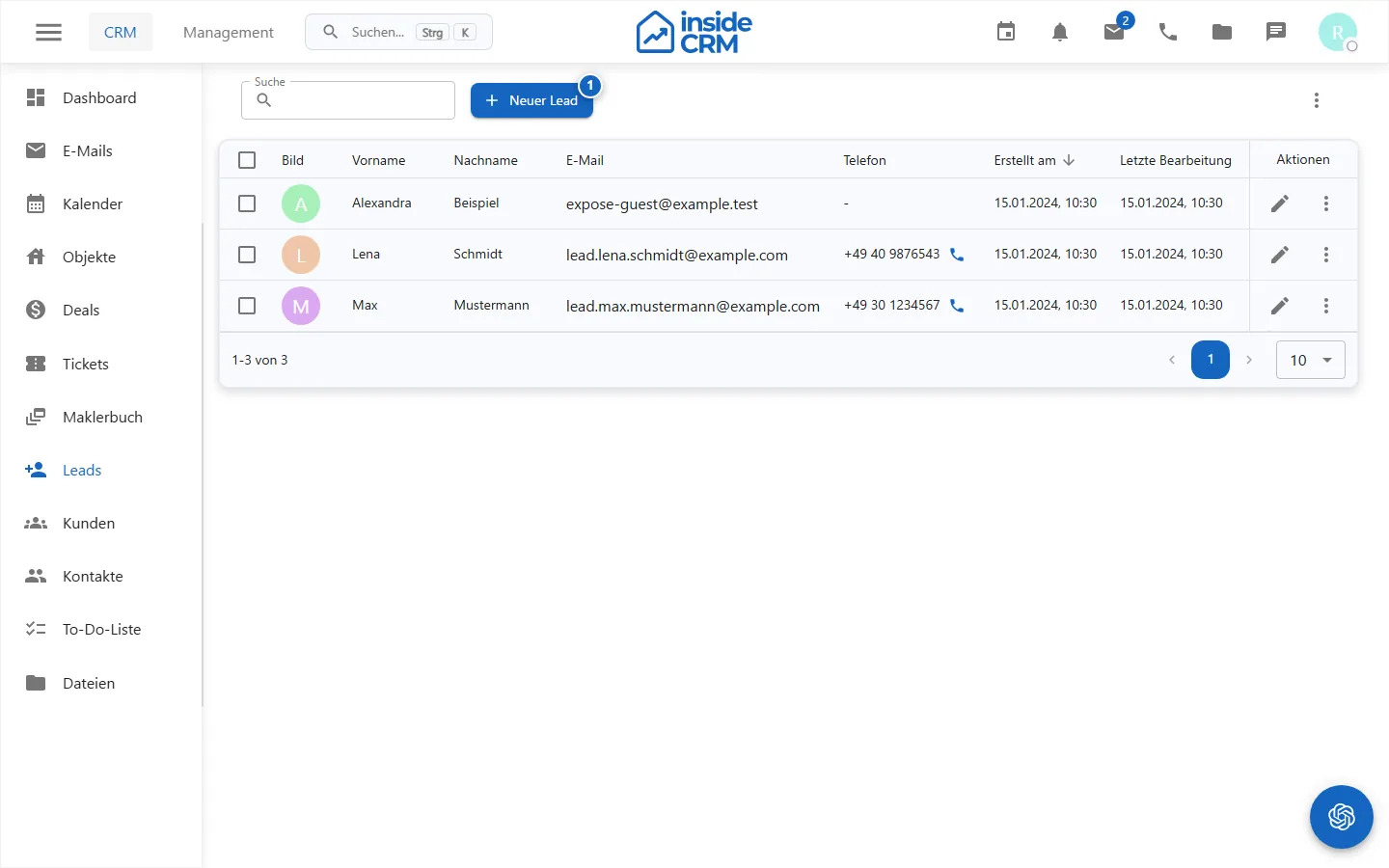
Open CRM → Leads, mark one or more records and select Convert.
Requirements and permissions
leads.write- Sufficient and audited master and data protection data
- A professionally qualified lead
Step by step
- Open Leads and mark one or more records.
- Select Convert.
- Check selection counters and names in the confirmation dialog.
- Confirm the conversion.
- Check the success message and open the generated customers into customers.
Result
For each successful operation, there is a customer; the output lead remains marked as converted.
Variations and special cases
Already converted or incomplete leads can be skipped. Partially successful collections must be checked on the basis of feedback.
Troubleshooting
For errors, check name fields, duplicates, data protection status and whether the lead has already converted.
Related tasks
- (./lead-anlegen.md)
- CRM Overview