Create and edit properties
The property overview requires properties.read; creating and editing properties requires properties.write.
Create a property
- Open Objects and select New Object.
- Enter the required core, address, area, pricing, and marketing data.
- Select the object status and add workspace-specific fields.
- Upload images and documents and check their description and order.
- Decide whether the address may be published and whether the property should appear on the dashboard.
- Save the object.
Portal publication
When the portal module is unlocked, check the publishability first. Only when all mandatory fields for the target portal are fulfilled and local changes are stored can the publication be initiated. Then check status, external ID, last attempt, and last successful match.
AI changes
AI suggestions must be confirmed before saving. If the property changed after the suggestion was created, the interface shows version or field conflicts. Compare the current value, previous value, and suggestion individually; do not overwrite conflicts blindly.
Purpose
Object data sets bundle master data, equipment, marketing content, media, relationships and portal status.
Where to find it
Open Real Estate → Objects.
Requirements and permissions
Viewing requires properties.read; creating and editing requires properties.write. Portal actions additionally require an enabled connection.
Step by step
- Before creating a property, search by address, title, or external reference.
- Create the object and first save the necessary master data.
- Complete equipment, texts, prices, areas, contacts, pictures and documents.
- Check mandatory fields and publishability before a portal match.
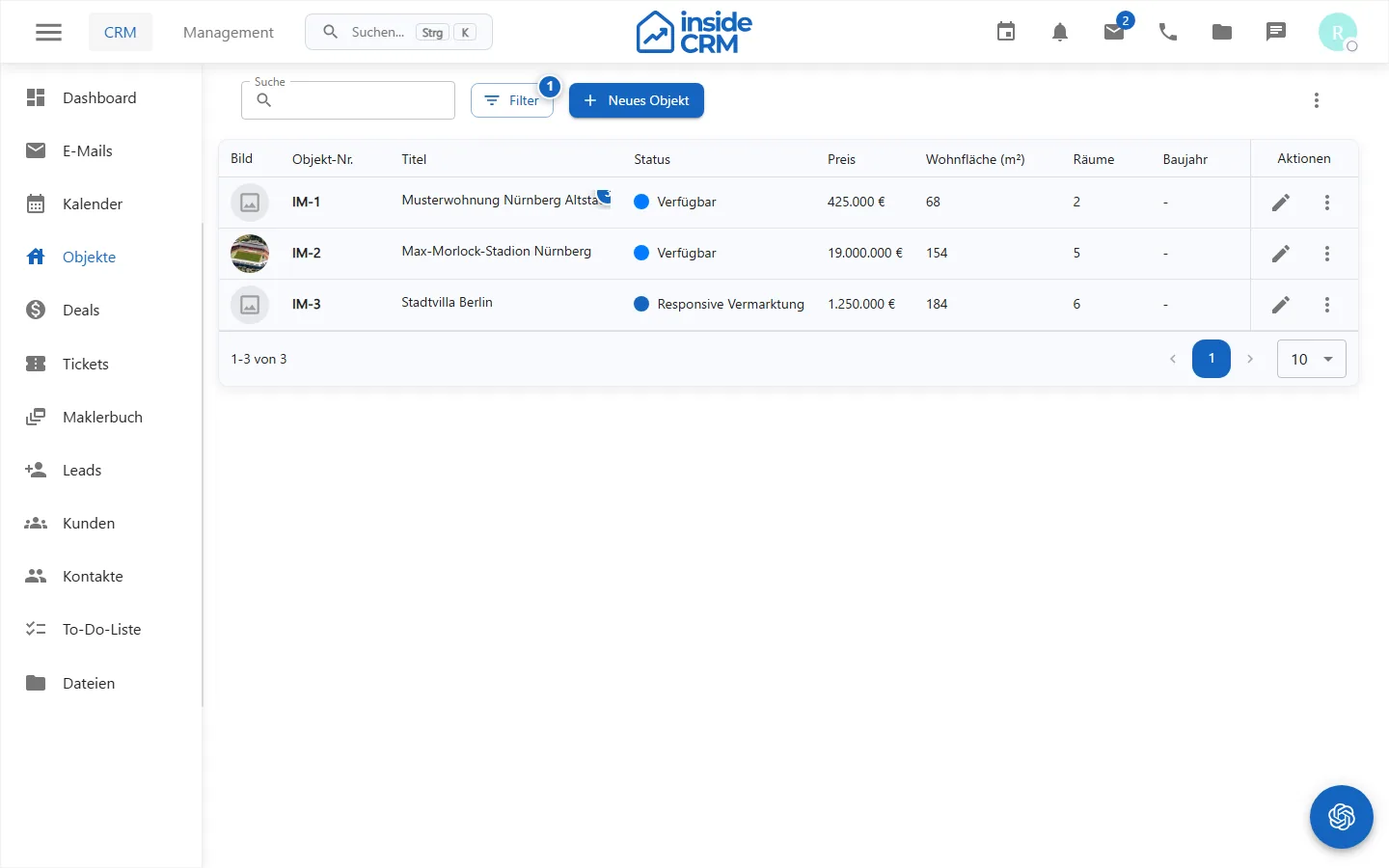
Result
The object is stored, linked and prepared depending on releases for marketing or portal matching.
Variations and special cases
Custom fields, portal mandatory fields and AI proposals may require additional checks. Conflicts are resolved field by field.
Troubleshooting
Check required fields, write permissions, media processing, the portal connection, and displayed conflicts. Save local changes before reconciling them.
Related tasks
- Configure real estate module
- (./maklerbuch.md)
- Opportunities and Deals