On this page
Share files securely with guest links
Goal and requirements
You want to provide one file outside the workspace or open a link you received. Creating a link requires the files.share permission and ownership of the file or administrator access. In insideBase, sharing is available in team workspaces.
Create a sharing link
- Open Files and select the file.
- Open the sharing action and set a password of at least 12 characters.
- Choose a validity period from 1 to 30 days. If you leave it unchanged, the configured default is 7 days.
- Optionally limit downloads to a value from 1 to 100. Without a limit, the link remains usable until it expires or is revoked.
- Create the share and copy the link immediately. The secret token is shown only once and cannot be retrieved later.
The link stays bound to the file version that was current when the share was created. Uploading a newer version does not alter an existing share.
Manage sharing links
The sharing overview shows expiry, download limit, current count and revocation state. Only the current file owner or an administrator can revoke a link. Moving a file to the trash revokes its links permanently; restoring it does not reactivate them.
Check a received link
- Check that you expect the file and recognise the sender.
- Open the complete link and enter the password you received separately.
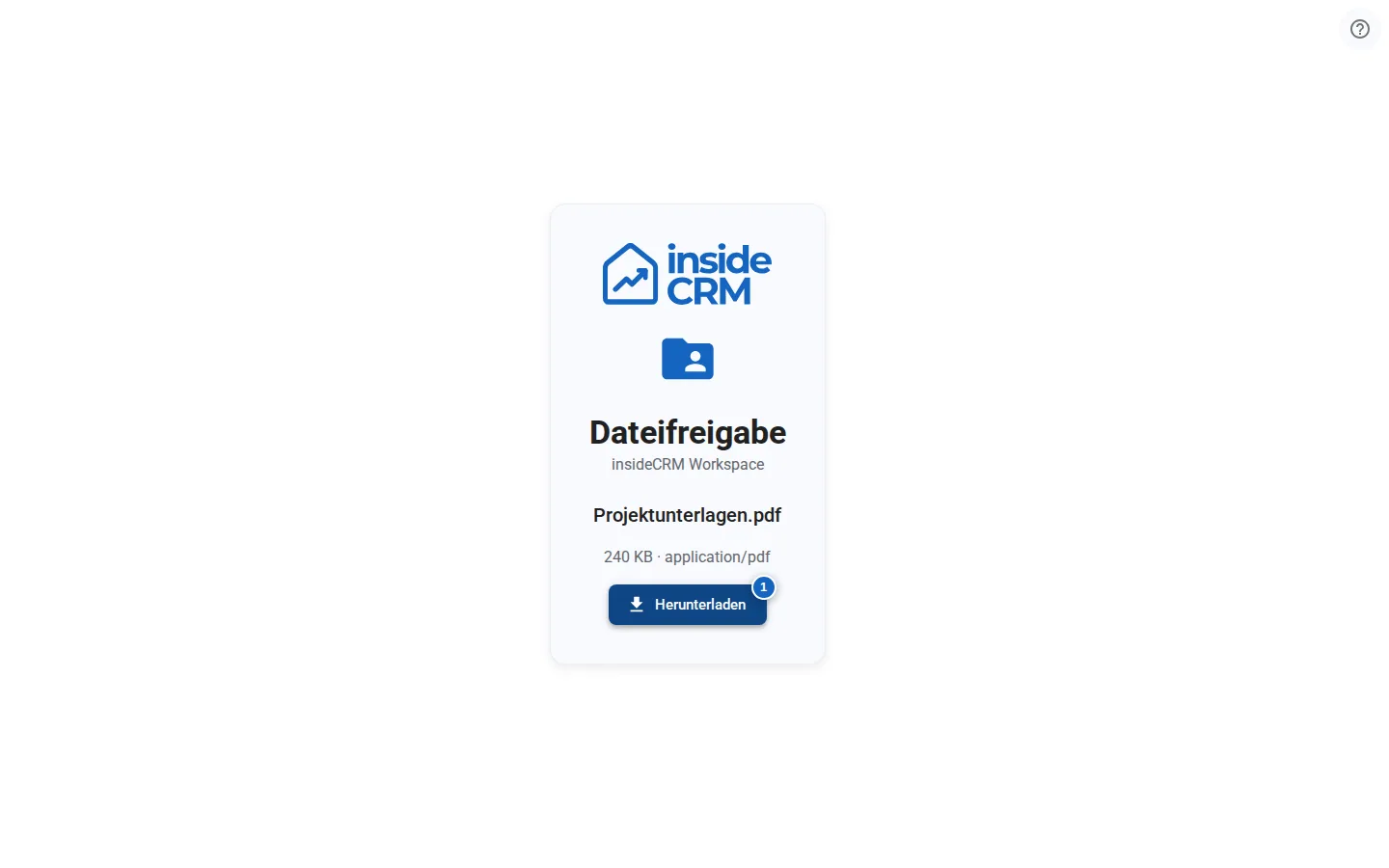
- Verify the file name, type and size before starting the download.
- Do not send passwords, tokens or complete sharing URLs to public support channels.
Result
The guest can retrieve only the fixed file version that was shared. The link grants no access to other files or the rest of the workspace.
Variations and special cases
Shares can be created with or without a download limit. Expired, revoked, deleted or exhausted links are deliberately handled like unknown links.
For properties, see the separate guide to brochure shares.
Troubleshooting
If the page asks for a password, check spelling and capitalization. Contact the sender if a link is invalid or unavailable; it may have expired, been revoked or reached its limit. If support is needed, provide the product, time and error message without disclosing the secret link.