Search and edit leads
Leads represent potential business relationships. From capture to conversion, information, activities and next steps are comprehensibly bundled.
The overview requires leads.read; creating and editing leads requires leads.write.
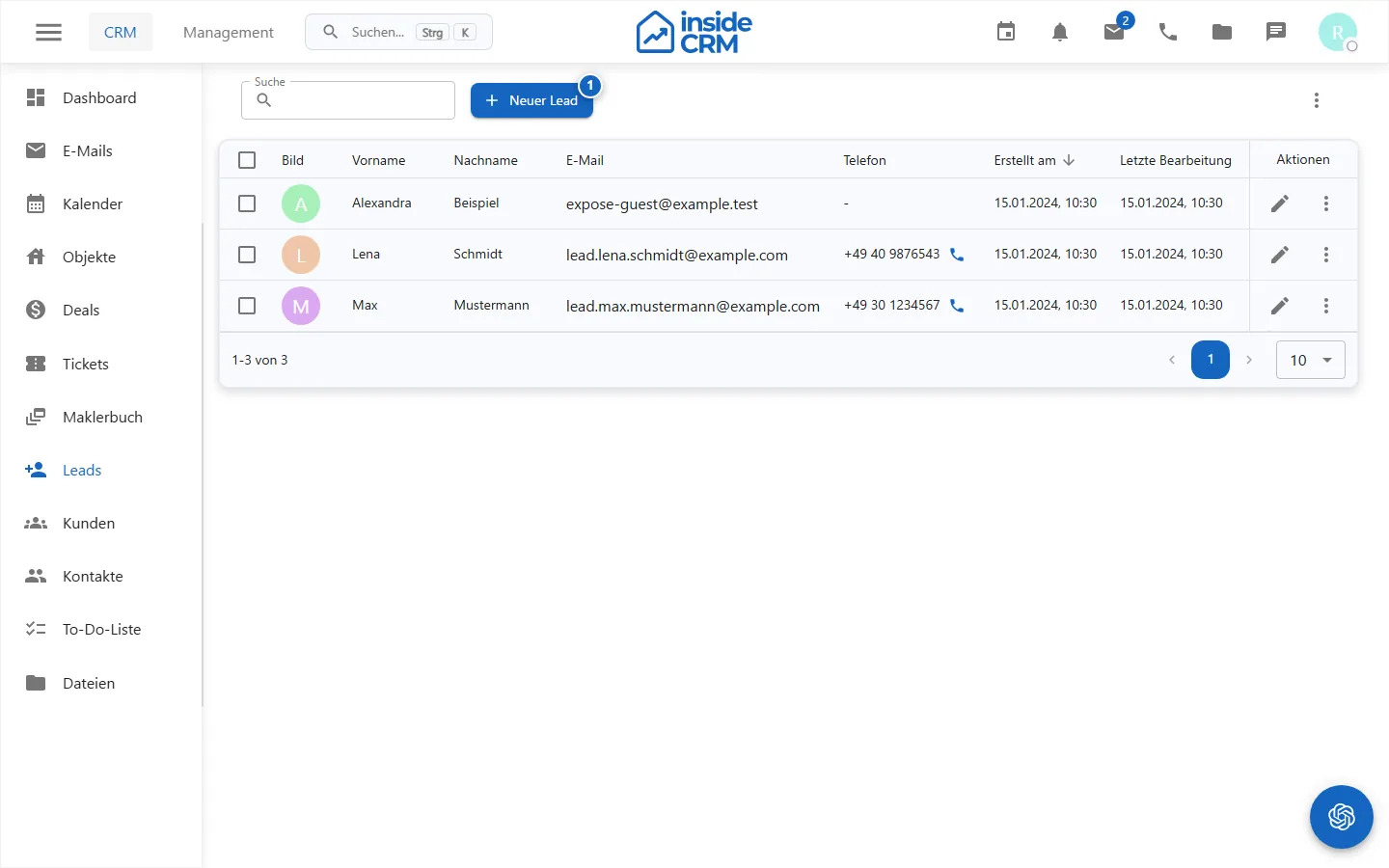
Use the overview
- Open Leads
- Search for contact information or filter by source and conversion status.
- Sort the table and adjust the visible columns to your workflow.
- Open a lead for editing or use an offered follow-up action.
From the overview, depending on data and authorization, emails can be prepared, tickets created and existing tickets opened. For each follow-up action, check whether the right lead and recipient group are selected.
Multiple actions
Marked leads can be collectively converted or deleted. Conversion generates customer records; the output leads remain marked as converted. Deletion can be blocked if there are protected relationships.
Further instructions
- (./lead-anlegen.md)
- Convert lead
Purpose
The lead overview bundles search, qualification, processing and follow-up actions for potential business relationships.
Where to find it
Open CRM → Leads.
Requirements and permissions
The overview requires leads.read; changes and multiple actions require leads.write.
Step by step
- Search or filter by contact, source or conversion status.
- Adjust sorting and visible columns.
- Open the lead, update qualification, contact details and next steps and save.
- Check the selected record before email, ticket, conversion or deletion actions.
Result
The lead is updated and is in the overview with the new editing or conversion status.
Variations and special cases
Multiple actions affect all marked lines. Relationships or privacy rules can block deletions.
Troubleshooting
Reset unexpected filters, check leads.write and check if the lead has already been converted.
Related tasks
- (./lead-anlegen.md)
- Convert lead
- Manage customers