Creating Lead
Purpose
A new prospect is recorded as a lead so that contact data, processing status and next activities can be tracked centrally.
Where to find it
Open CRM → Leads → New Lead.
Requirements and permissions
leads.write- At least first or last name
- a legitimate business purpose
Step by step
- Open the module Leads.
- Choose the action to create a new lead.
- Enter first or last name and known contact details.
- Complete preferred language, source, notes and, if applicable, company identification.
- Maintain contact sharing, GDPR status, retention date and a possible deletion request after your shared process.
- Store the lead.
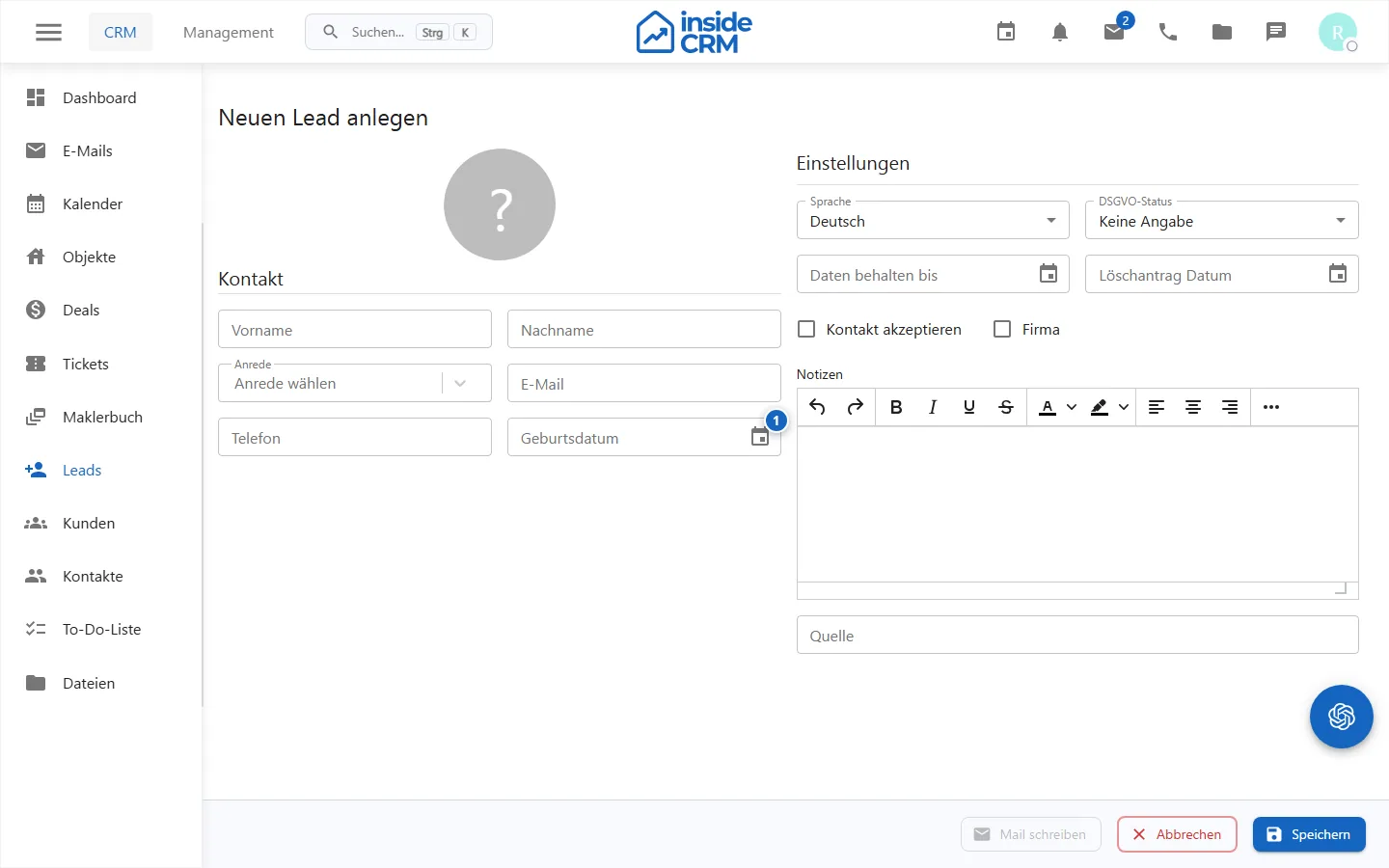
- Mandatory fields and data protection information are checked before storage. *
Result
The lead is available in accordance with the own viewing and processing rights in the lead overview.
Before the new investment, it should be checked via the search whether the person already exists as lead or customer. The surface requires a name, but does not replace a technical duplicate examination.
Variations and special cases
Corporate contacts and private individuals may need different fields. A mandatory technical field test does not replace a professional examination of the legal basis.
Troubleshooting
In the case of rejected storage, check mandatory fields, the format of the contact data and the field errors displayed directly on the form.