Configure the property module
Most settings require settings.manage. Portal accesses also require portals.read or portals.write and the capability realestate.portals.
Management areas
- Object fields: additional technical information and its presentation
- Object status: Life cycle and filtering of real estate
- Documents and images: Central media and document specifications
- History: traceable changes and activities
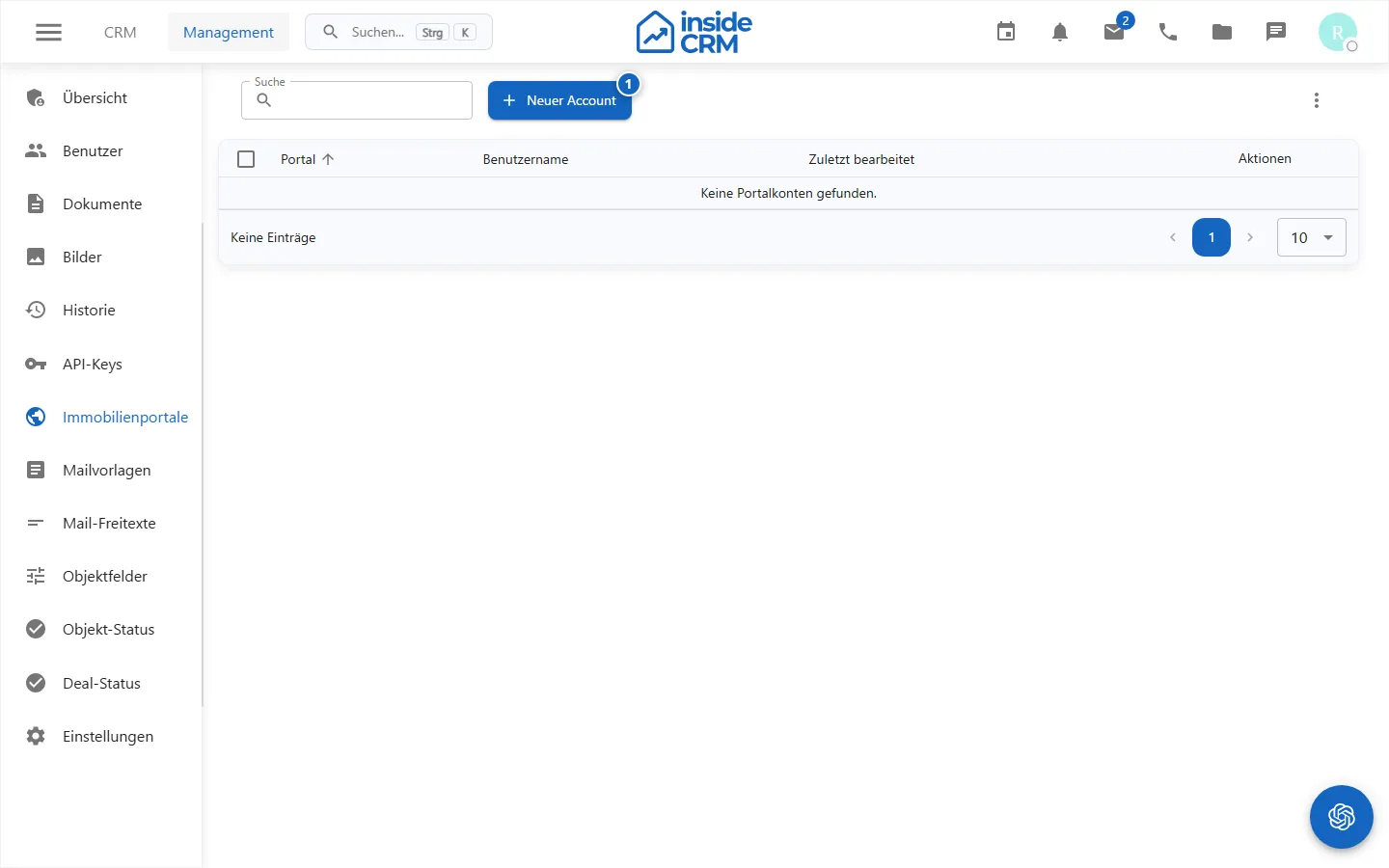
- Portal accounts: Connections to external real estate portals
Safely roll out changes
- Collect professional purpose, controllers and data concerned.
- Check existing objects and exports for dependencies.
- Test new fields or statuses first with a test object.
- For portals, check access, connection test, mandatory fields and destination account.
- Document the change and inform affected users.
Purpose
The property configuration controls fields, status, media specifications, history and portal connections of the client.
Where to find it
Open the relevant property area under Administration.
Requirements and permissions
Fields, status, documents, images and history require settings.manage; Portal accesses require portals.read or portals.write.
Step by step
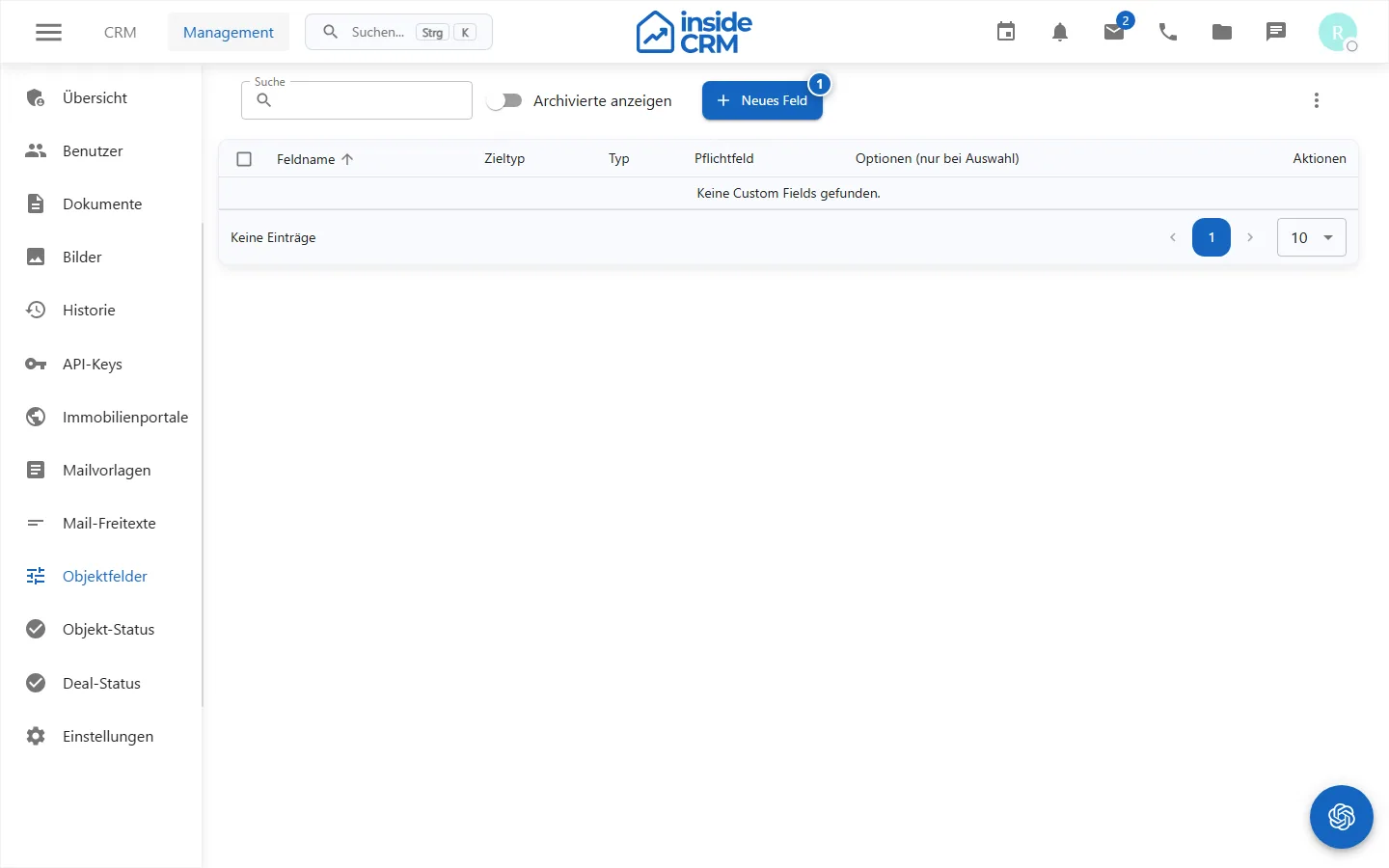
Manage object fields
Create only technically required fields with a stable data type and test mandatory and visibility rules.
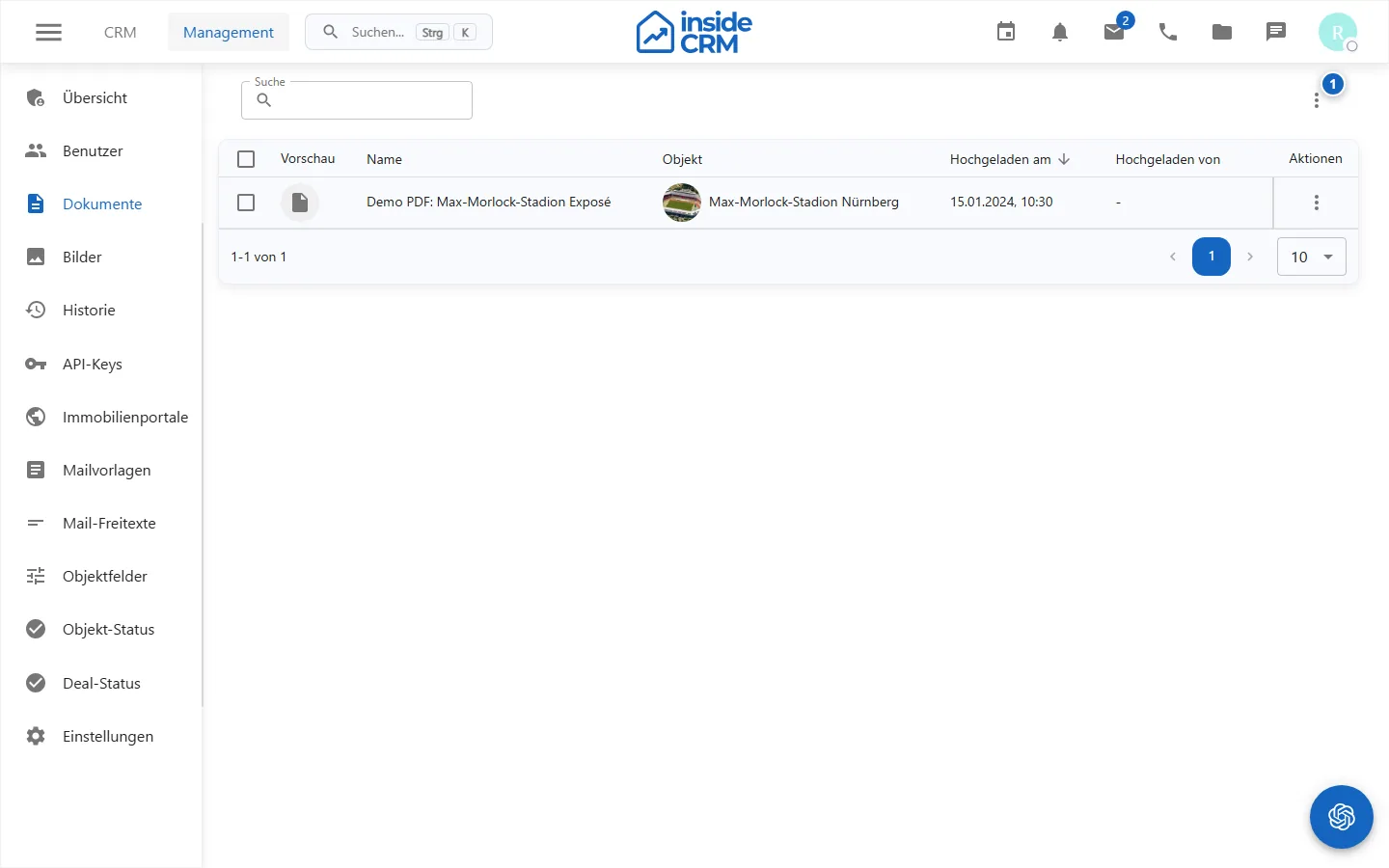
Managing documents
Maintain document templates and assignments with unique names and shared content.
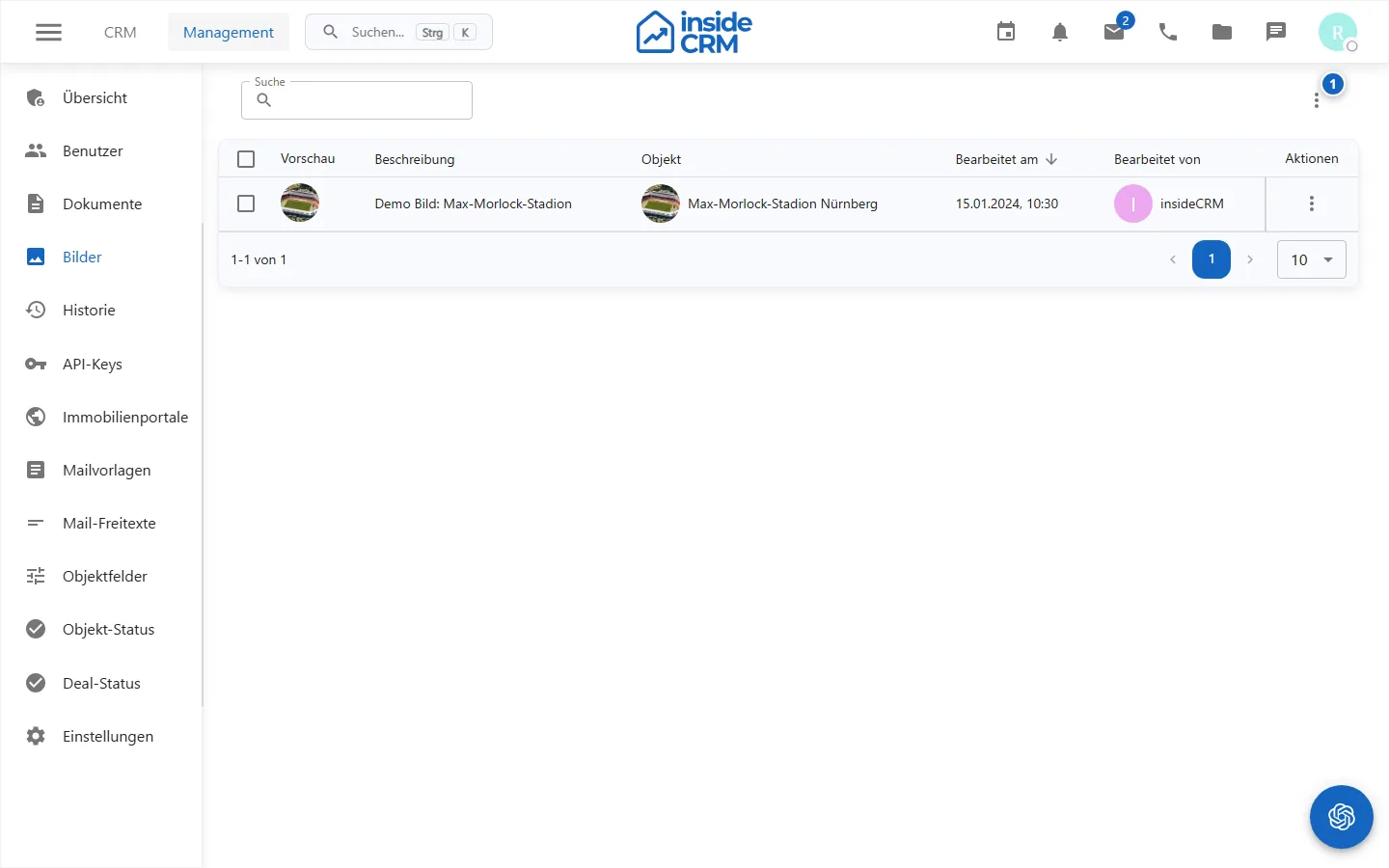
Managing images
Check image types, order and usage rights with a test object.
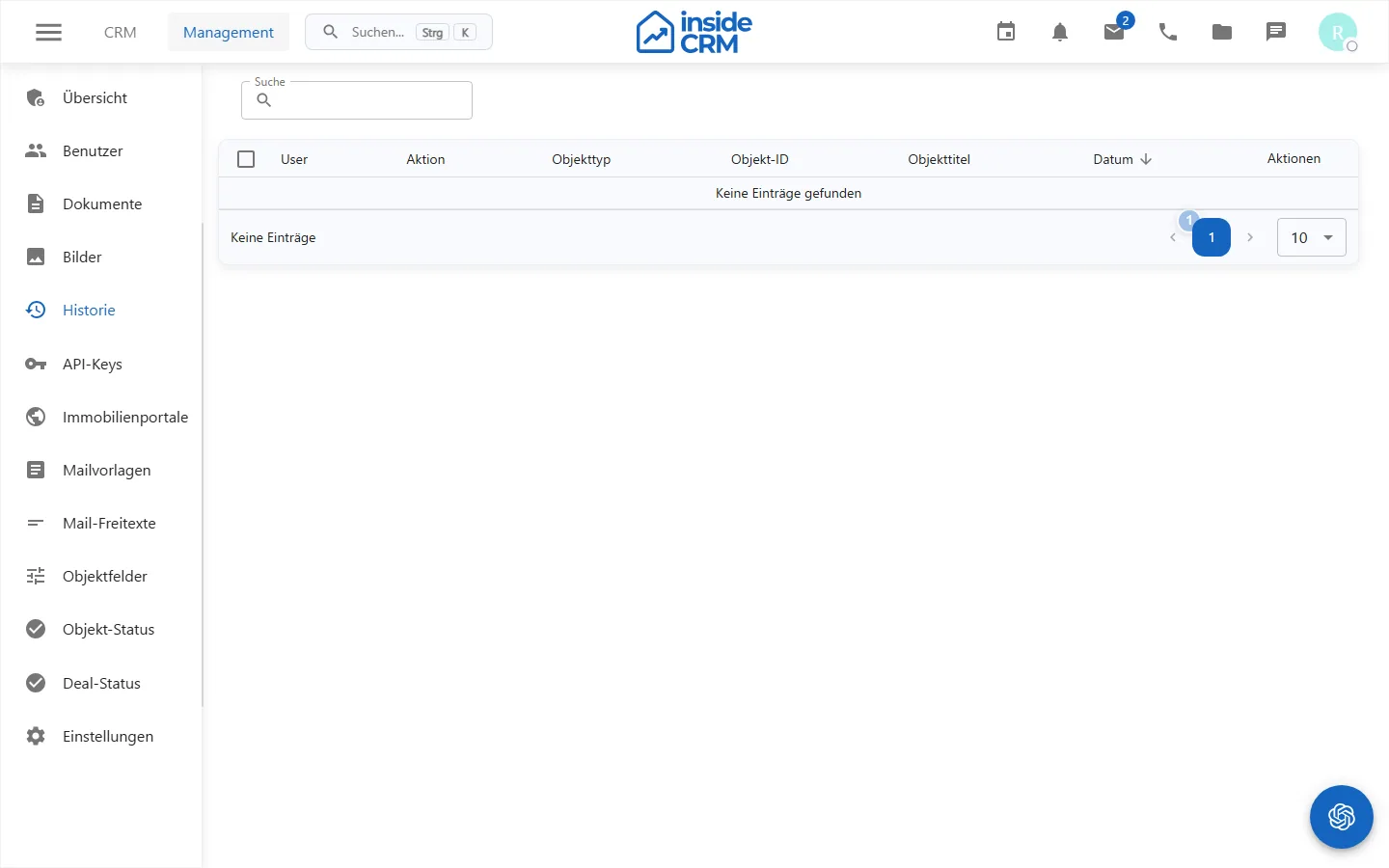
Check the change history
Filter by time period, person or area and open the relevant change entry.
Manage portal accesses
Create destination account and external identifiers, test the connection and save secrets only in the fields provided.
Manage object status
Define unique status values and check existing objects, filters, and portal processes before making changes.
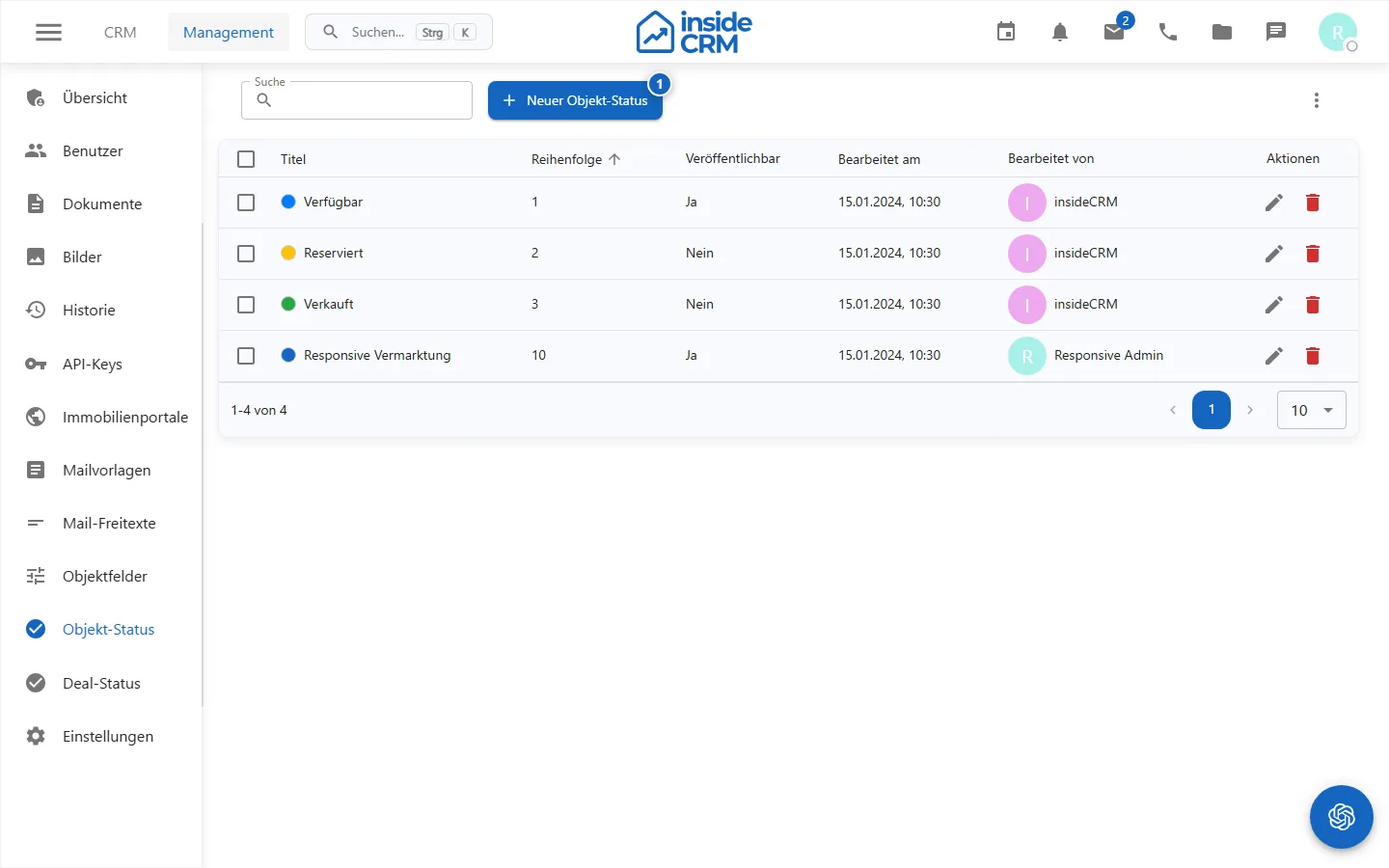
- Status values control processing and marketing process. *
Result
Checked configuration values are available in object forms, filters, history and allowed portal processes.
Variations and special cases
Data type changes, deleted status values and changed external IDs can affect existing data or integrations.
Troubleshooting
Check rights, mandatory fields, existing uses, connection testing and external feedback; test changes first with a demo object.
Related tasks
- Manage objects
- (./maklerbuch.md)
- Roles and permissions