Use password safe
The safe requires vault.read; changes and sharing also require vault.write and vault.share.
Setting up a private safe
- Open Password Safe.
- Set a unique master passphrase with the minimum length displayed and confirm it.
- Unlock the safe with this passphrase.
- Create entries and use the password generator for new secrets.
- Lock the safe when you leave the workplace.
The master passphrase does not leave the browser. Without it, private entries cannot be restored. Therefore, keep them according to your safety policy, but never in the same safe.
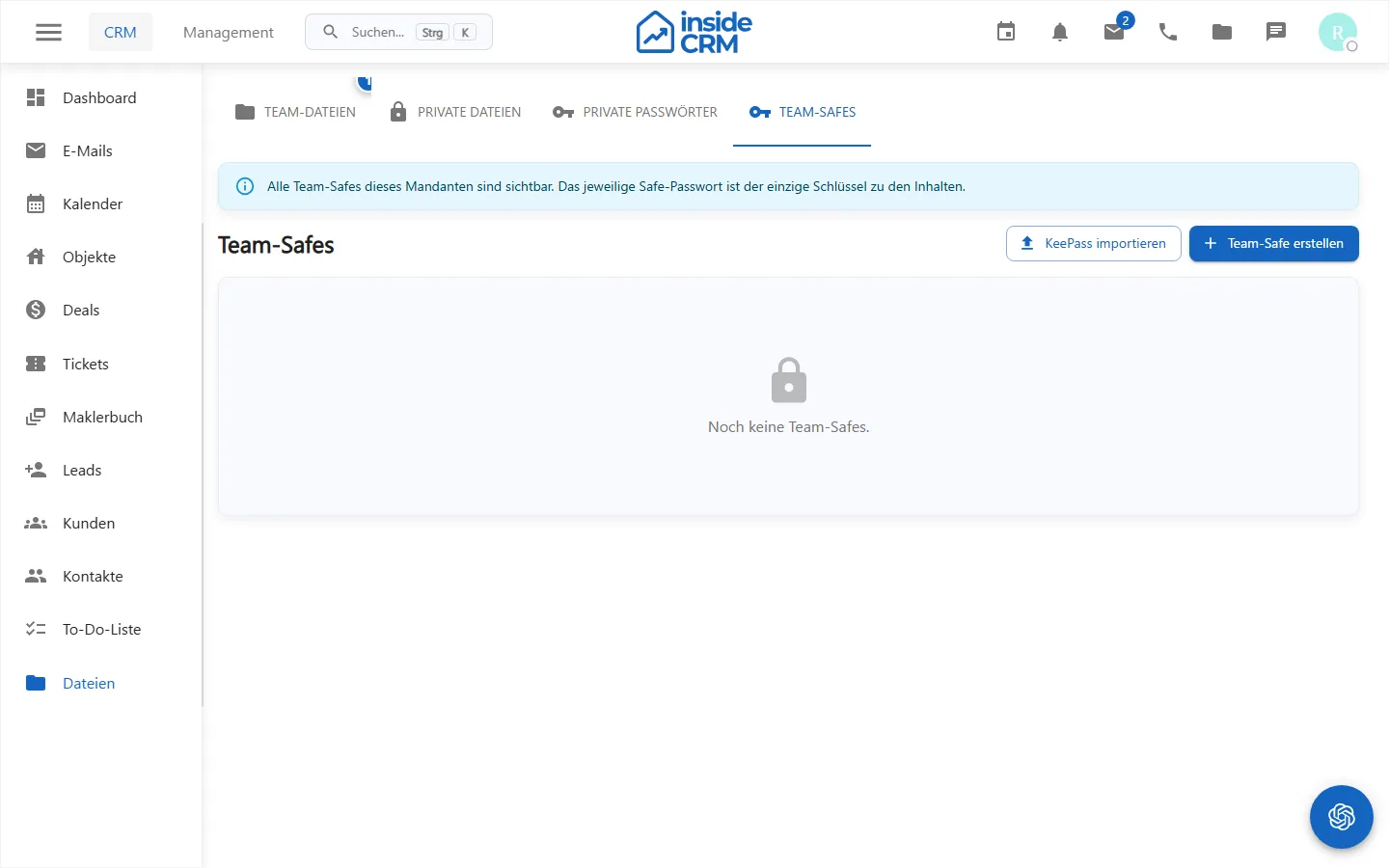
KeePass and Team-Safes
An existing KDBX file can be checked locally and imported encrypted. Exports are available as KDBX and in expressly confirmed cases as CSV. CSV is unencrypted and must be specially protected and then securely removed.
Team-Safes have roles and groups. The creation and key rotation require at least two prepared tenant administrators. Direct releases can be migrated to a Team-Safe.
Purpose
The password safe stores personal or shared secrets encrypted and traceable.
Where to find it
Open Password Safe via the intended navigation point.
Requirements and permissions
Reading requires vault.read, changes require vault.write, and sharing requires vault.share. Key material must remain within approved channels.
Step by step
- Open the personal or released safe.
- Search for an existing entry before the new plant.
- Maintain title, username, destination address and secret without confidential information in the title.
- Store and share only with the smallest required receiver circle.
Result
The encrypted entry is stored in the selected safe and is only available for authorized persons.
Variations and special cases
KDBX imports remain encrypted; CSV exports are unencrypted. Team safes require designated administrators and a defined key-rotation process.
Troubleshooting
Check Safe selection, privileges, unlock status, and KDBX compatibility if applicable. Do not perform repeated exports for troubleshooting.