Start meetings and participate as a guest
Goal and requirements
Join the intended meeting with the correct display name and media devices. Internal participants need an active session; guests need a valid invitation link. Camera and microphone are optional but require browser and operating-system permission when used.
An internal meeting room requires an active meeting. Guests join via their own, non-findable link and only get access to this meeting.
Join a meeting
- Open the meeting link in the current browser.
- Allow camera and microphone only if you want to use them in this conversation.
- In the preview, check the correct input and output device and mute the microphone first.
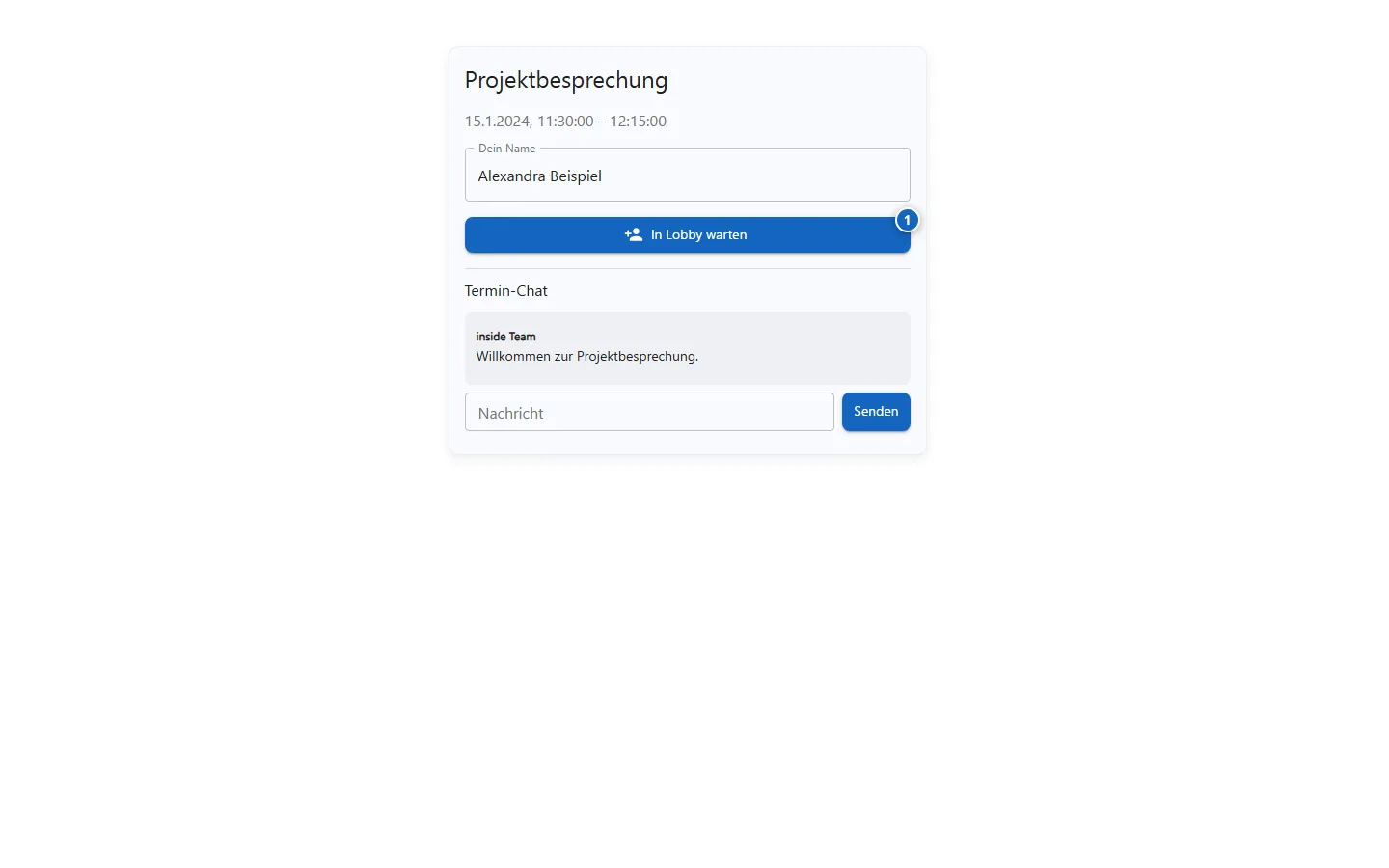
- As a guest, enter the name that should be displayed to the other participants.
- Join and activate audio or video only as needed.
Result
You joined the designated room. The guest link does not grant access to other platform data.
Variations and special cases
Internal participants are identified via their session. Guest entries can expire or be terminated by the organizer. A reload separates media devices for a short time depending on the browser.
Troubleshooting
- Check browser permission and operating system privacy if camera or microphone is missing.
- Close other apps that use the device exclusively.
- Use the full latest guest link if the room is not found.
- If the connection is unstable, switch to audio without a camera.