On this page
Contacts and organizations
CRM contacts are shared with authorized team members in the current workspace. Contacts can belong to an organization; the organization record brings together its contacts, deals, activities, and linked email.
Where to find it
Open Contacts or Organizations as separate areas in the main navigation.
Requirements and permissions
Viewing requires contacts.read. Creating, editing, and deleting require contacts.write. Visible deals, activities, and email remain protected by their respective capabilities and permissions.
Step by step
- Search by name, organization, email address, or phone number before creating a record to avoid duplicates.
- Create a contact or organization and enter only information needed for the business process.
- Assign a contact to an existing organization when appropriate.
- Open the record to review its details and custom fields.
- Open an organization to see its contacts, deals, activities, and email together.
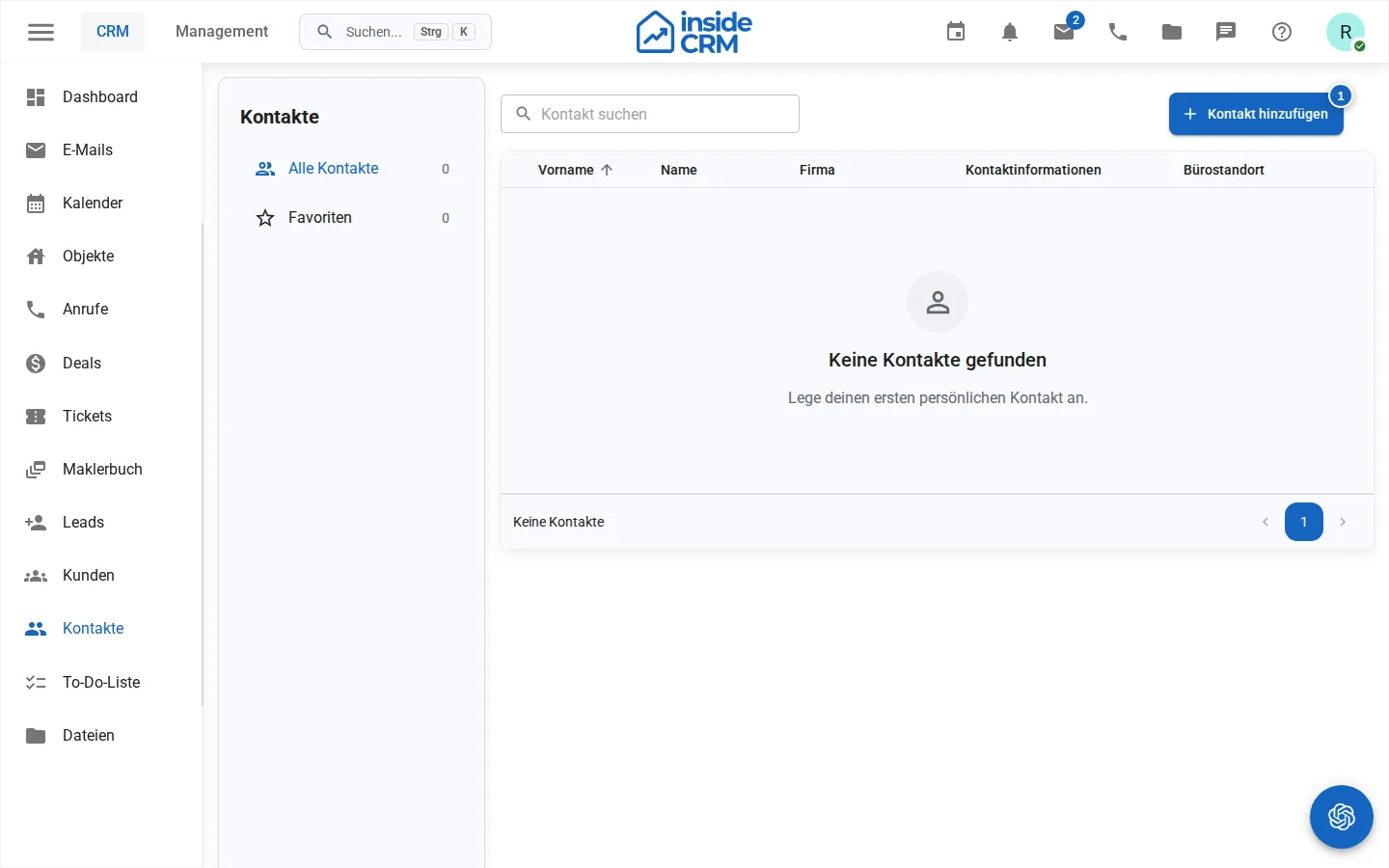
Contact and organization fields
Administrators can create separate custom fields for contacts and organizations under Management. This keeps contact attributes and company characteristics conceptually distinct. The settings.manage permission is required.
Result
The record is available to authorized users in the same tenant and can provide context for deals, tasks, and communication.
Privacy and data quality
- Store only information required for a business purpose.
- Observe consent, objection, and deletion requests.
- Use consistent spelling for names, email addresses, and phone numbers.
- Personal insideBase contacts are a separate private store and do not appear in this CRM list.
Troubleshooting
If editing actions are missing, check contacts.write. Missing activities or email can result from module permissions or mailbox sharing. If an organization record is empty, verify the contact or deal assignment.