Personal contacts
Personal contacts are available in your own work area. They are distinguishable from CRM customers and leads and follow the visibility rules applicable to the workspace.
Typical procedure
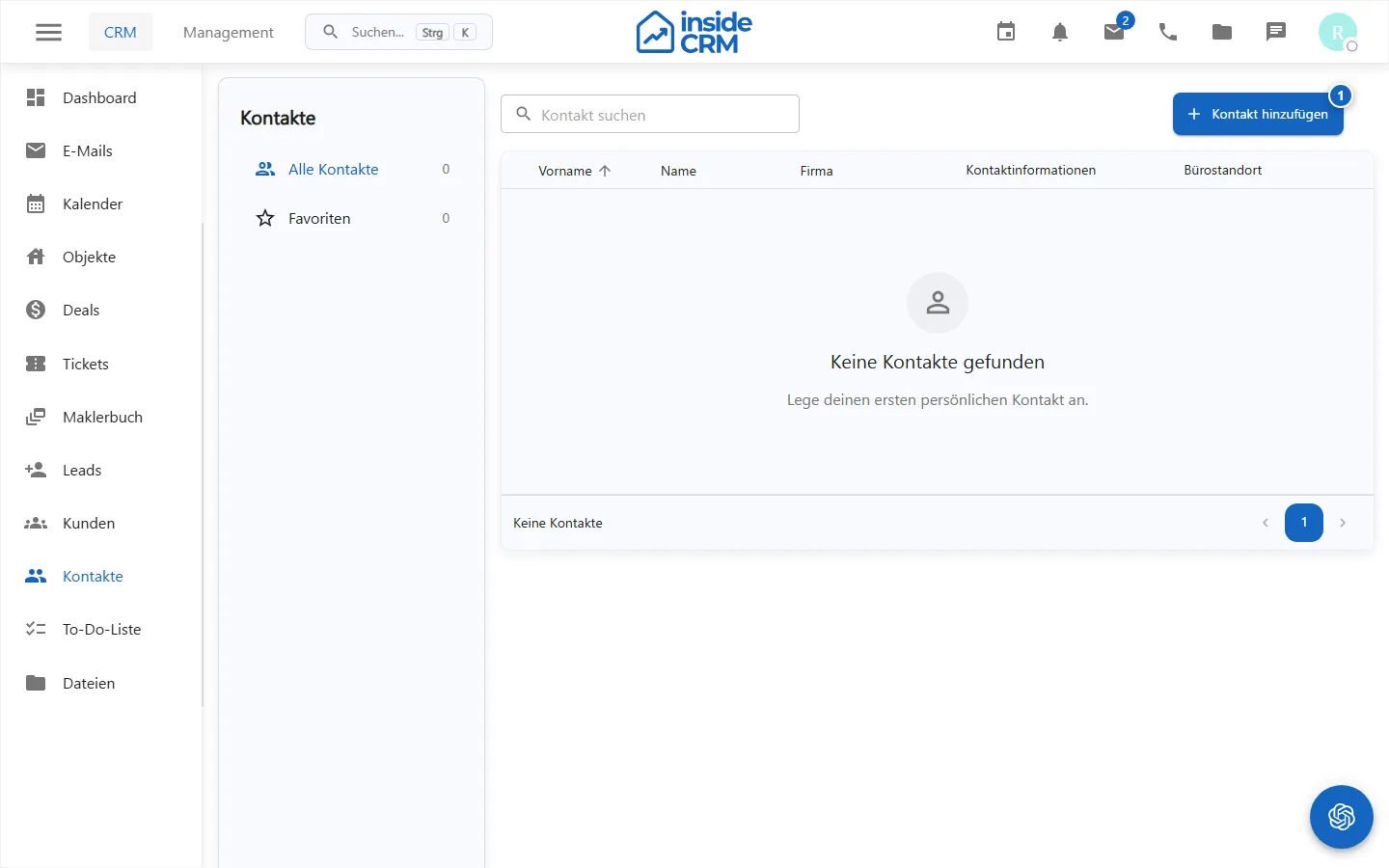
- Open Contacts.
- Search by name, company, email address or phone number.
- Open the desired record or create a new contact if the action is available.
- Add only technically necessary data and save.
- Use offered email or call actions directly from the contact.
Data quality
- Before creating, check if the contact already exists.
- Use consistent spellings for names and phone numbers.
- Do not maintain private information without a business purpose.
- Observe consents, objections and deletion requirements.
For sales relationships, use a lead or customer in the CRM depending on the process. Personal contacts do not replace these professional records.
Purpose
Personal contacts provide frequently required communication data in their own work area.
Where to find it
Open Contacts in the main navigation.
Requirements and permissions
For display, contacts.read is required, for creation and editing contacts.write.
Step by step
- Before creating a contact, search by name, company, email address, or phone number.
- Open the hit or select the action to create.
- Maintain only necessary contact data and store.
- Start offered email or call actions only after verification of the recipient.
Result
The contact is stored and available for follow-up actions according to its own visibility.
Variations and special cases
Personal contacts, leads, and customers are different record types. Choose the appropriate area for the business process.
Troubleshooting
If editing actions are missing, check contacts.write. If records are not visible, verify the workspace and ownership assignment.